



UltraEdit PowerTips
Character properties at your fingertips
Do you ever find yourself toggling into HEX mode to view the properties of a character, or did you not even know you could view the character properties in UltraEdit? Keep reading this tip to learn more of the POWER of UltraEdit!
Character Properties
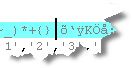
Step 1: Position the cursor.
Place your cursor in front of the character which you would like to know the properties of:
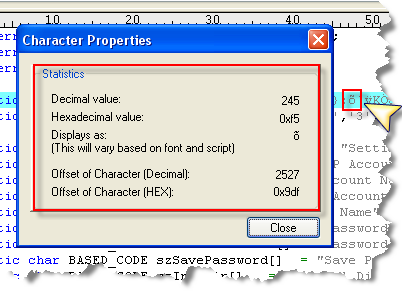
Step 2: Hit ALT + ENTER.
Hitting ALT + ENTER will give you all the properties you need to know without going into HEX Mode:
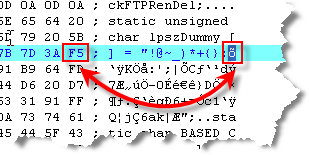
The way you may have done this in the past was by toggling into hex mode: