



UltraEdit PowerTips
Sum Column/Selection in Column Mode
Step 1: Select the Text in Column Mode
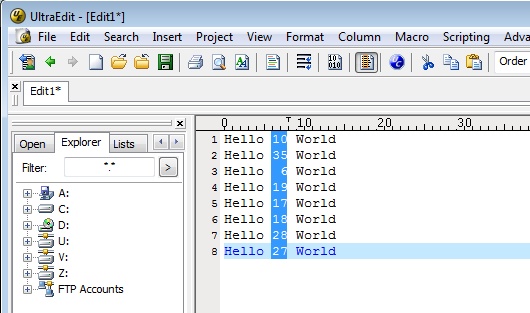
To use the Sum Column/Selection, you will need to select the data in Column mode. Hit ALT+C to switch to column mode. You can then select the column of data by moving the cursor horizontally and vertically – while holding shift.
When you are done selecting the column of data you want to total, you should see something like this:
Step 2: Sum the Selection
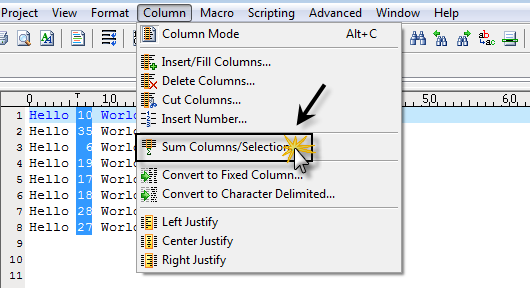
To sum the column of data, go to Sum Column/Selection in the Column menu.
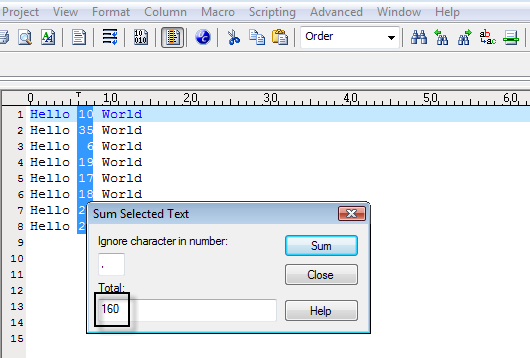
You should see that the columns have been totaled and the value displayed in the Sum Selected Text dialog.