











UltraFTP 2025.0
Direct SSH/Telnet Console Access and Updated FTP Protocols
Direct server administration with SSH/Telnet console
UltraFTP now includes an integrated SSH console for direct command-line server access. This eliminates the need to switch between separate applications for file transfers and server administration.
Configure SSH/Telnet connections the same way you set up FTP accounts, then connect with a single click. The console provides the same terminal interface you’d use in a standalone SSH client, integrated directly into your file transfer workflow.
Combined workflow benefits:
Upload files via FTP, then immediately switch to the SSH console to set permissions, restart services, or verify deployment. No need for re-authenticating or opening separate tools.
Or work in reverse: prepare your server environment via SSH, then transfer files using FTP, streamlining tasks that previously required switching between multiple applications.
Updated FTP support and protocols
UltraFTP receives comprehensive FTP protocol enhancements:
- ECDSA support: ecdsa-sha2-nistp256, nistp384, nistp512
- RSA SHA-2: rsa-sha2-256, rsa-sha2-512
- ED25519 compatibility improvements
- Modern ciphers: chacha20-poly1305
These updates provide broad compatibility with modern server standards while maintaining backward compatibility with existing accounts through legacy fallback.
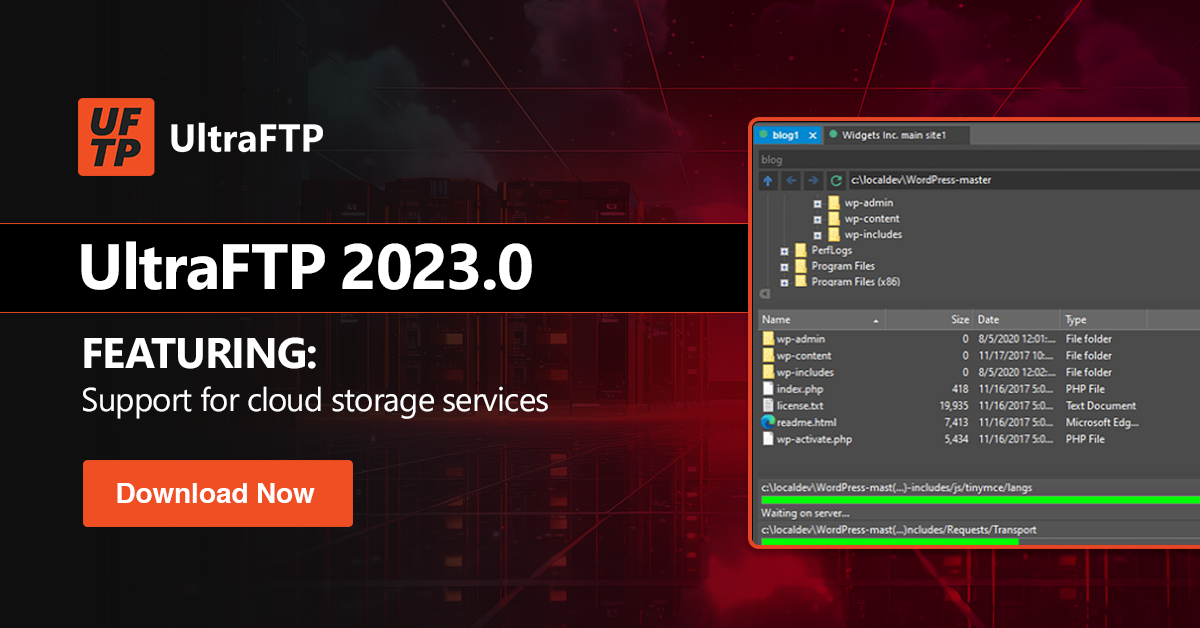
This download is for the full version of the software and includes a 30 day free trial before you are required to register it.